Latest Version
Pavlo Liashenko
IT Tools
Mac
Free
1469400117
Report a Problem
More About Red Lines Tools
A Smarter Way to Align Your Mac Workspace
For designers, developers, and digital artists, precision is everything. When you are aligning UI elements, testing responsive layouts, or measuring pixel distances, having native on-screen guidelines makes a massive difference. Red Lines Tools screen overlay utility is a lightweight yet powerful Mac application designed to place highly accurate visual guides directly over your active windows.
Unlike traditional design tools that confine your grids to a single canvas, this utility operates system-wide. Whether you are coding in an IDE, tweaking CSS in a browser, or arranging assets in a layout engine, these persistent guides stay exactly where you need them.
Key Features of the Red Lines Tools Screen Overlay Utility
Developed by Pavlo Liashenko, this application is packed with specialized instruments tailored for high-resolution environments. Here is a breakdown of what the toolset offers:
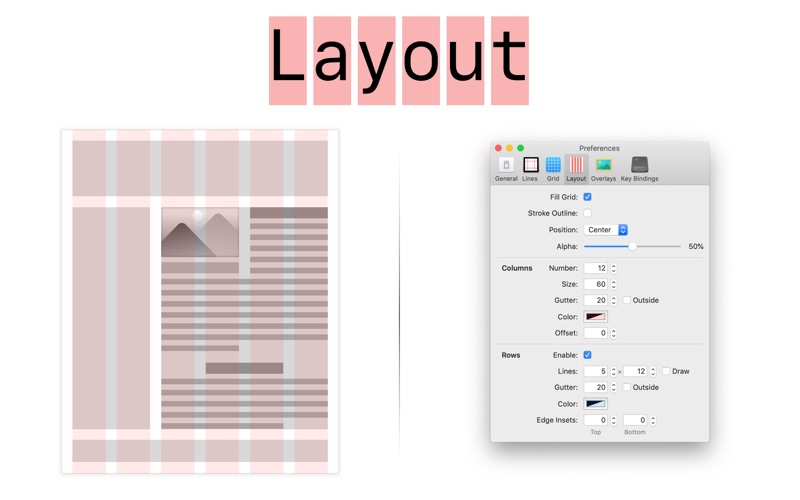
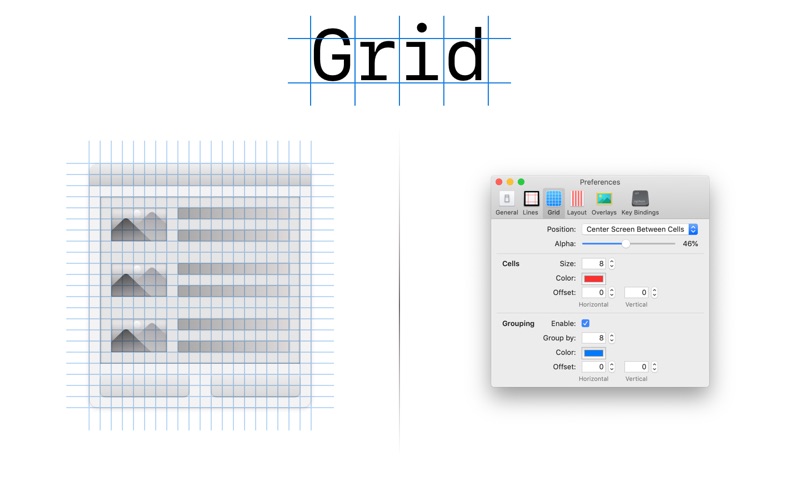
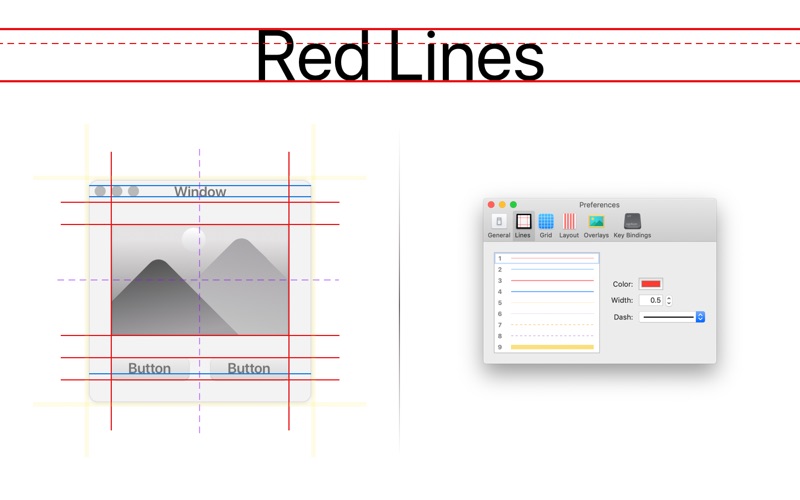
- Red Lines & Grid Overlays: Project precise alignment lines and customizable grids on top of any active window to maintain strict structural layouts.
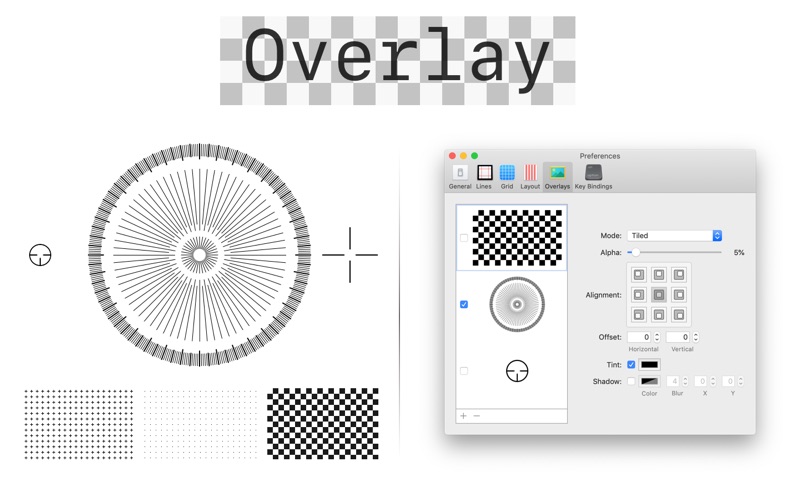
- Custom Image Overlays: Import your own design mockups as semi-transparent overlays to compare your live implementation directly with the original design specs.
- Retina-Ready Accuracy: All measurement tools are optimized specifically for high-DPI Retina displays, ensuring that single-pixel alignments are perfectly accurate.
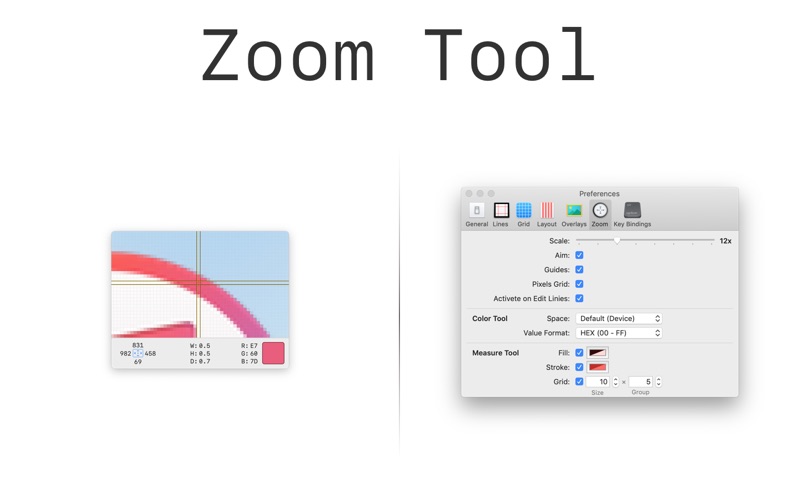
- Measure & Zoom Tools: Zoom into specific screen areas to inspect individual pixels, and use the measurement tool to verify padding and margins on the fly.
- Color Meter: Instantly sample color values directly from your screen without needing to open bulky design software.
- Seamless Access: The tools remain easily accessible directly from your Mac status bar and support customizable global hotkeys for a rapid workflow.
Who Is This Tool For?
The Red Lines Tools screen overlay utility is an excellent fit for front-end developers who need to match mockups pixel-for-pixel, UI/UX designers validating layout consistency, and digital creators looking for a streamlined alignment assistant on macOS. Because the tools float transparently over all active applications, it eliminates the guesswork of positioning web and app elements.
Streamline Your Frontend QA Workflow Today
If you are tired of taking screenshots and dragging them into design software just to check your layout alignment, this utility offers a elegant, lightweight solution that sits right in your menu bar. To try out these layout guides and precision measurements for yourself, head over to the official Mac App Store to download Red Lines Tools and elevate your design workflow.
Rate the App
User Reviews

Popular Apps










Editor's Choice