
Latest Version
Yevgeniy Muravyev
IT Tools
Mac
Free
445770608
Report a Problem
More About Go2Shell
Streamlining Your macOS Command Line Workflow
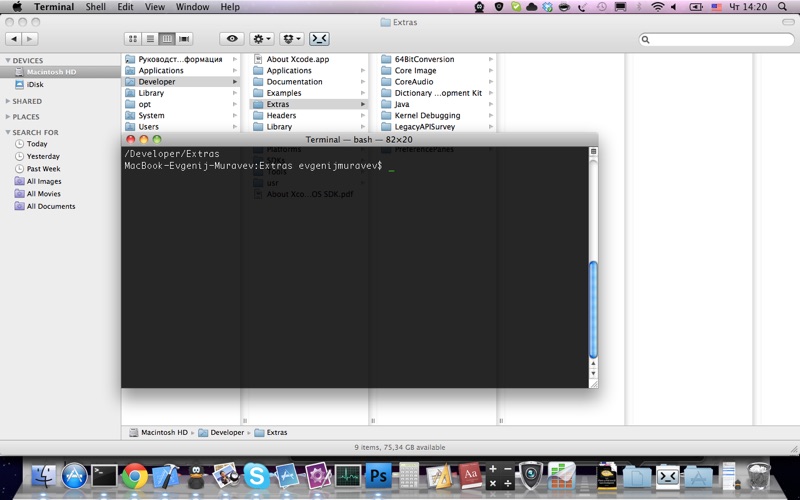
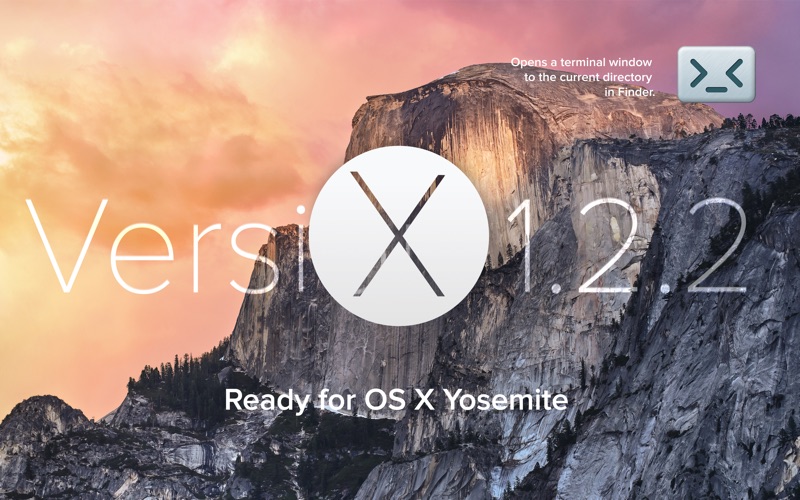
For developers, system administrators, and power users, navigating directories in macOS can often feel like a disjointed experience. Switching back and forth between a visual folder structure and the command line interface usually involves tedious path copying or manually typing out long directory routes. Go2Shell Mac terminal integration bridges this gap seamlessly, allowing you to open a terminal window configured precisely to your current Finder directory with a single click.
Instead of disrupting your creative or development flow, this tiny utility sits quietly in your environment until needed. It is designed to do one thing exceptionally well: eliminate the friction of terminal navigation so you can focus on writing code and executing commands.
Key Features of Go2Shell
- Instant Directory Mapping: Instantly opens your favorite command-line application pre-navigated to the active Finder folder.
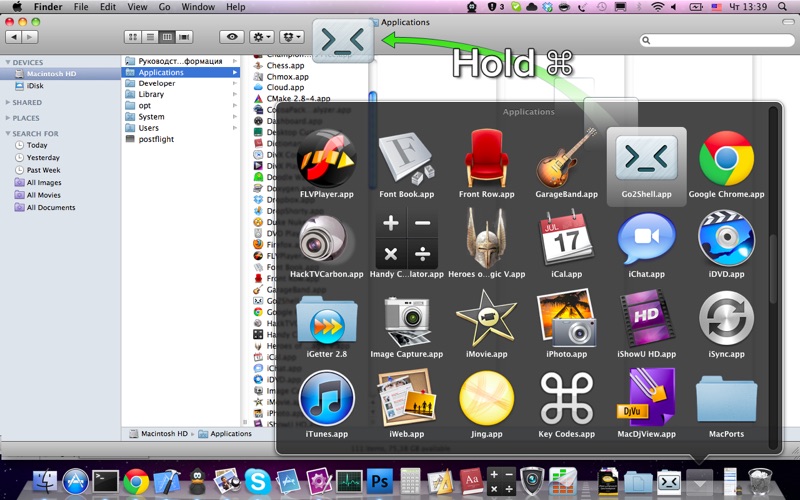
- Finder Toolbar Integration: Easily drag and drop the application icon directly into your Finder toolbar for permanent, one-click access.
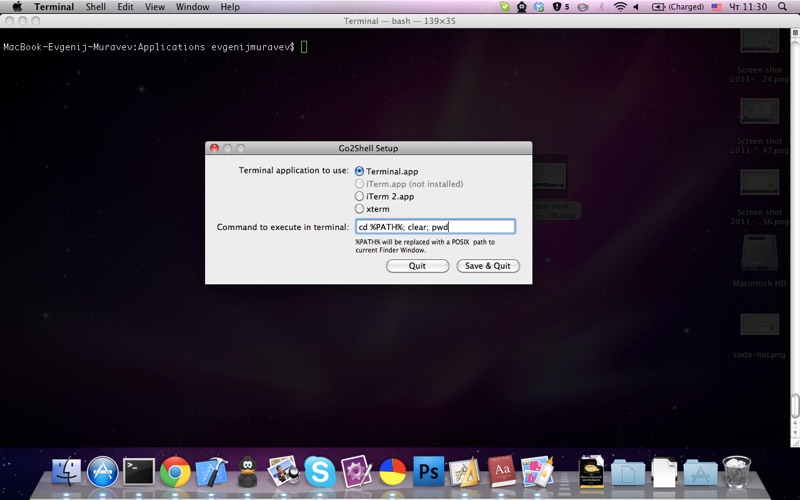
- Advanced Configuration Utility: Customize your setup by launching a hidden configuration menu directly through your terminal using a quick command sequence.
- Lightweight Footprint: Zero background resource drain; the app executes its command and immediately gets out of your way.
How to Configure and Use Go2Shell
Using the utility is incredibly straightforward. For the best experience, drag the application icon directly onto your Finder toolbar. If you are operating on older macOS versions such as OS X 10.9 or 10.10, simply hold down the Command (CMD) key while dragging the icon to anchor it in place.
Should you need to adjust your settings, you can access the configuration panel by following these quick steps:
- Launch your preferred terminal application.
- Input the command:
open -a Go2Shell --args config - Press the Return key to initialize the configuration interface.
Who is This Utility For?
If you find yourself constantly copying folder paths, using the 'cd' command repeatedly, or dragging folders into terminal windows to capture their paths, this tool is built for you. It is an essential asset for software engineers, web developers, and IT professionals who demand an optimized, distraction-free desktop environment.
Ready to optimize your local development setup? You can explore the application further and read user feedback by visiting the official listing on the Mac App Store.
Rate the App
User Reviews


Popular Apps










Editor's Choice