

Latest Version
Josh Holtz
IT Tools
Mac
Free
1534510889
Report a Problem
More About ConnectKit - App Store Connect API Integration
Automating App Management with ConnectKit for Mac
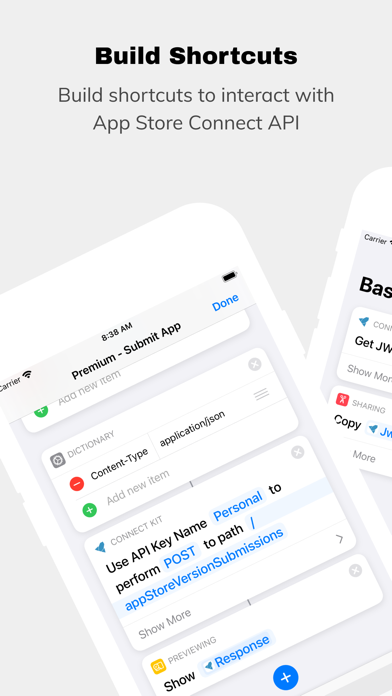
For Apple developers, managing app metadata, tracking financial performance, and checking review statuses can often feel like a disjointed process. This is where ConnectKit App Store Connect API integration changes the game. Created by developer Josh Holtz, this macOS utility bridges the gap between Apple's robust API and the simplicity of the native Shortcuts app, allowing you to build highly customized workflows without writing complex backend scripts.
Secure Key Storage and Seamless iCloud Syncing
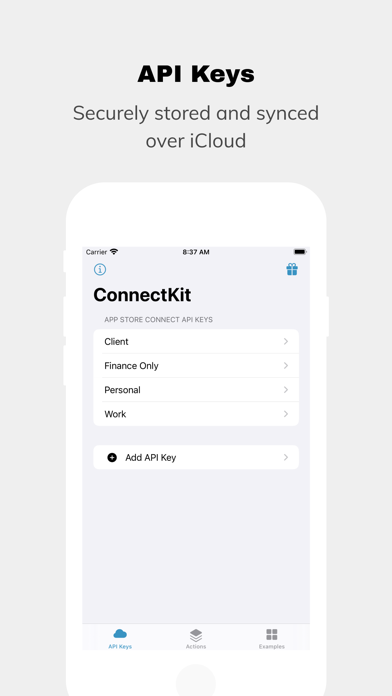
At its core, the utility acts as a secure vault for your App Store Connect API credentials. Rather than hardcoding sensitive keys into individual scripts or sharing them insecurely, the app safely stores your configurations. Thanks to built-in iCloud synchronization, your credentials securely sync across your authorized devices, ensuring your custom shortcuts run smoothly wherever you are working.
Streamlined Workflows with Native Shortcut Actions
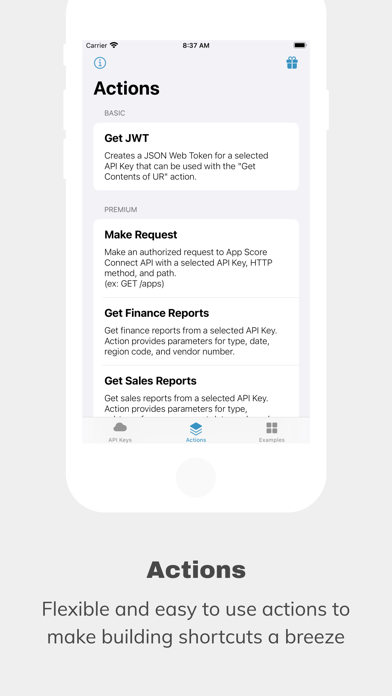
The app is built around practical, real-world utility. For developers looking to build custom HTTP requests, the software includes a complimentary action to generate a JSON Web Token (JWT) for secure authorization. You can pair this directly with the native "Get Contents of URL" action in Shortcuts to query any endpoint.
For those who want to skip the manual setup, premium actions are available to simplify data retrieval significantly:
- Make Request: Directly query the API with pre-authorized headers.
- Get Finance Reports: Pull financial data automatically to track your earnings.
- Get Sales Reports: Monitor daily downloads, transactions, and trends.
- Get Apps: Fetch metadata and information regarding your active portfolio.
Practical Use Cases: What Can You Build?
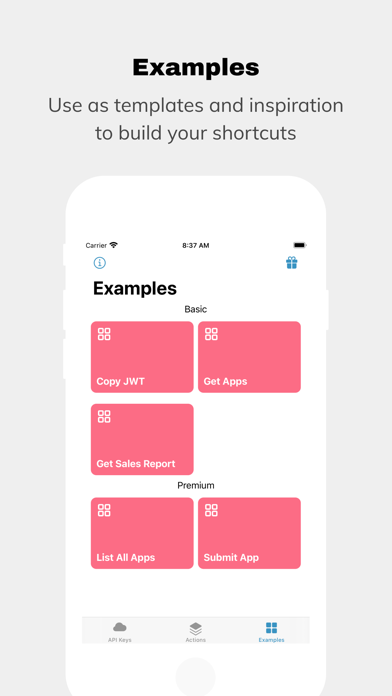
By leveraging the ConnectKit App Store Connect API actions, you can construct automated routines that fit your daily development cycle. Imagine running a single shortcut from your menu bar to instantly check your total app count, monitor current App Store review statuses, or pull the exact number of active TestFlight external testers. To help you get started immediately, the app provides pre-built, downloadable template shortcuts that you can customize to match your specific developer account needs.
Is It Right for Your Developer Workflow?
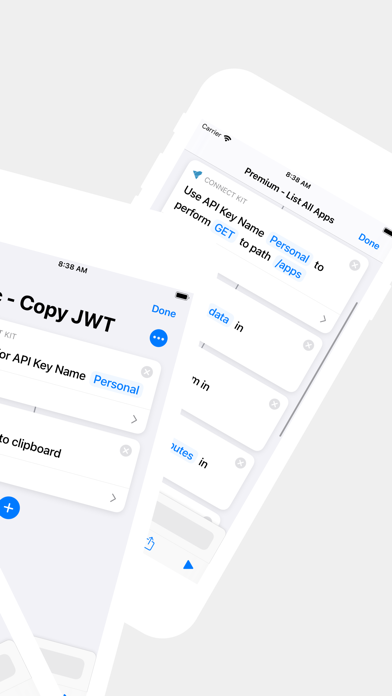
This tool is ideal for independent iOS/macOS developers and agency teams who want to build custom monitoring dashboards without setting up dedicated servers. By turning raw API endpoints into visual blocks in the Shortcuts app, it democratizes automation for all technical levels. To start streamlining your administrative tasks, head over to the official Mac App Store to explore the application.
Rate the App
User Reviews
Other Apps in This Category



Popular Apps










Editor's Choice