
Latest Version
The Kiwix Foundation
Education
Linux
Free
org.kiwix.desktop
Report a Problem
More About Kiwix
An Essential Tool for Offline Knowledge Access
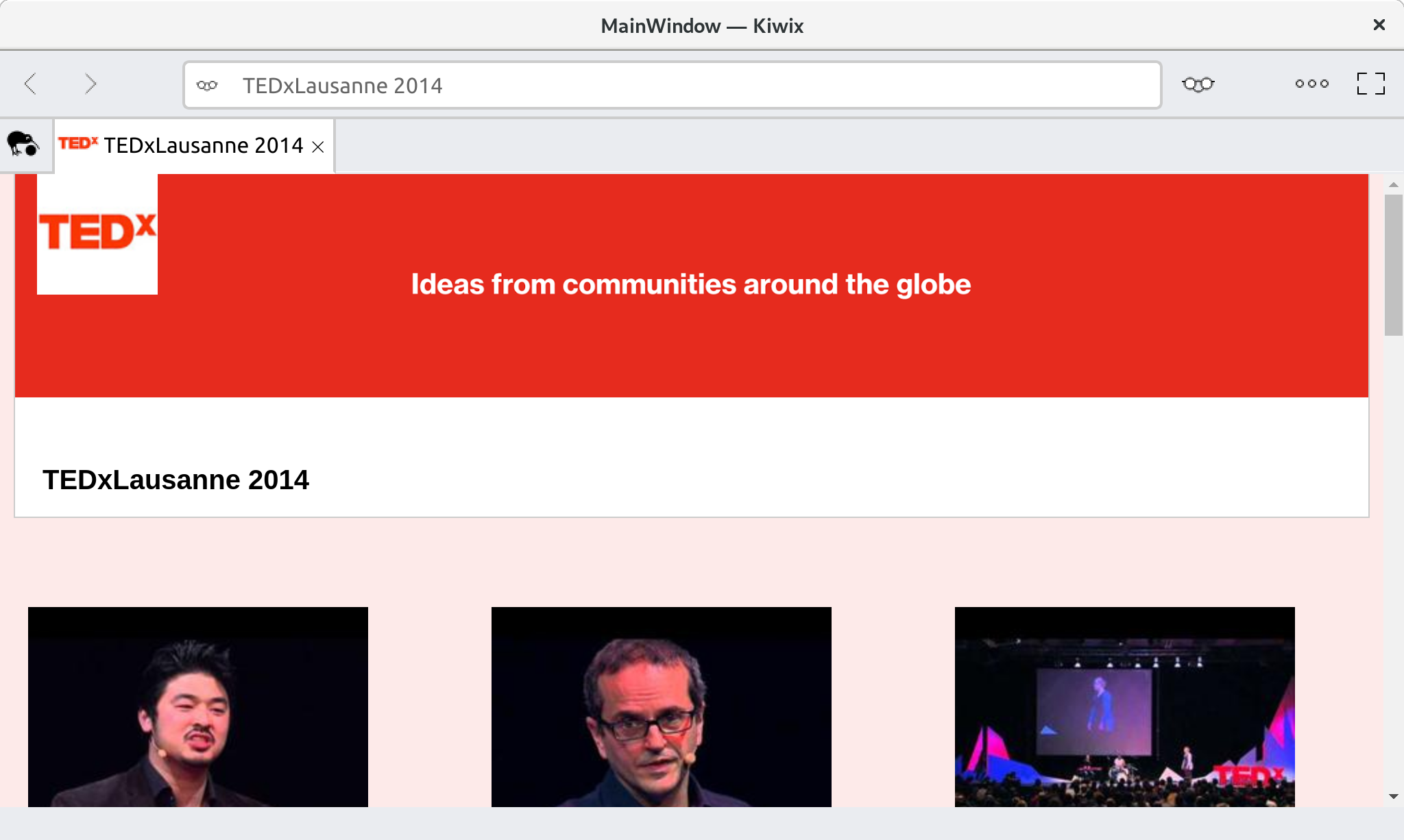
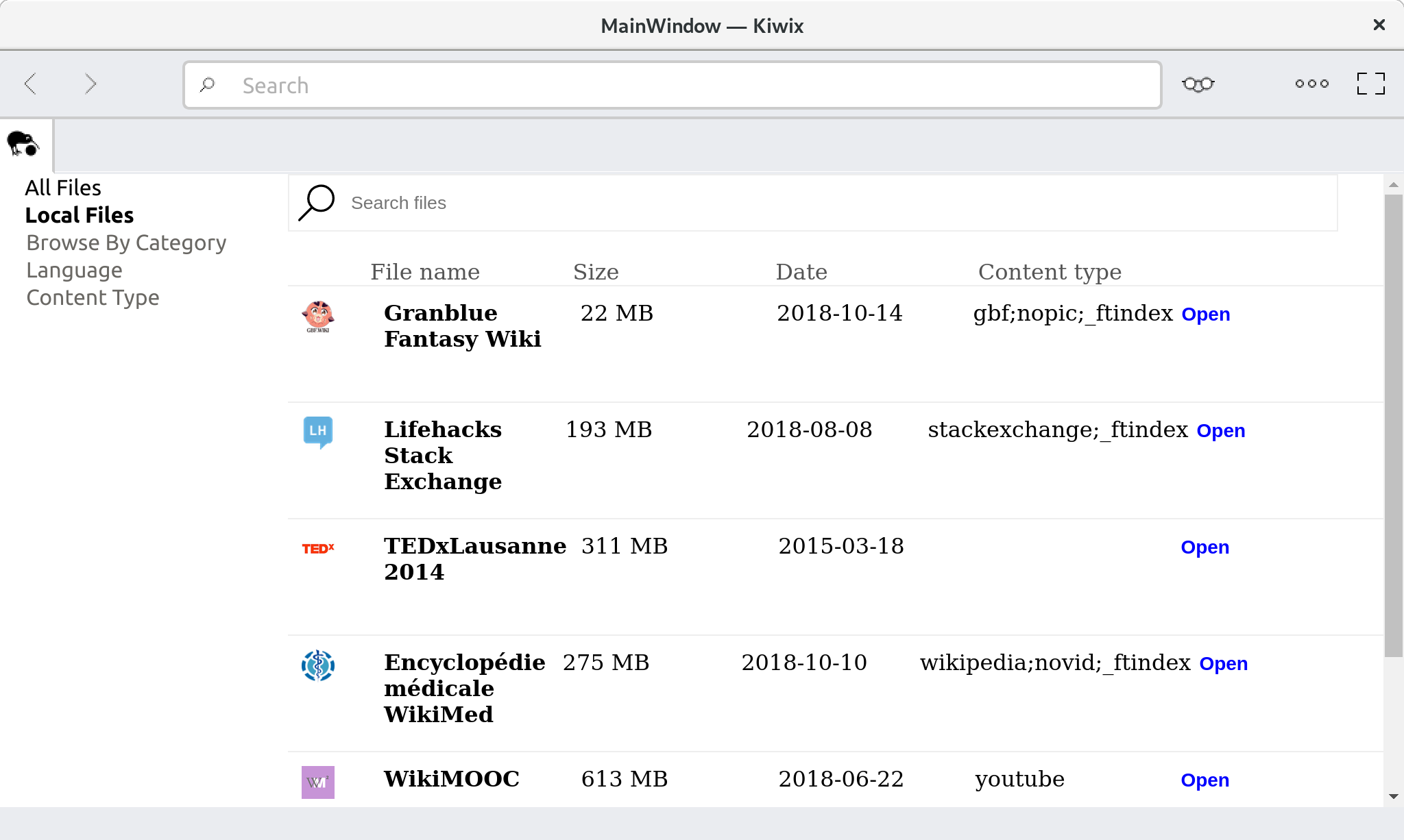
The Kiwix offline reader is a game-changing utility designed for users who need access to vast educational resources without relying on an active internet connection. Developed by The Kiwix Foundation, this Linux application compresses massive online databases—such as Wikipedia, medical wikis, and educational video archives—into highly optimized ZIM files. Once downloaded, these files can be browsed locally, making information accessible anytime, anywhere.
Key Features of the Kiwix Offline Reader
- Comprehensive ZIM File Support: Easily open and navigate compressed educational content, including text, images, and videos.
- Completely Offline Operation: Perfect for remote areas, travel, or situations with restricted web access.
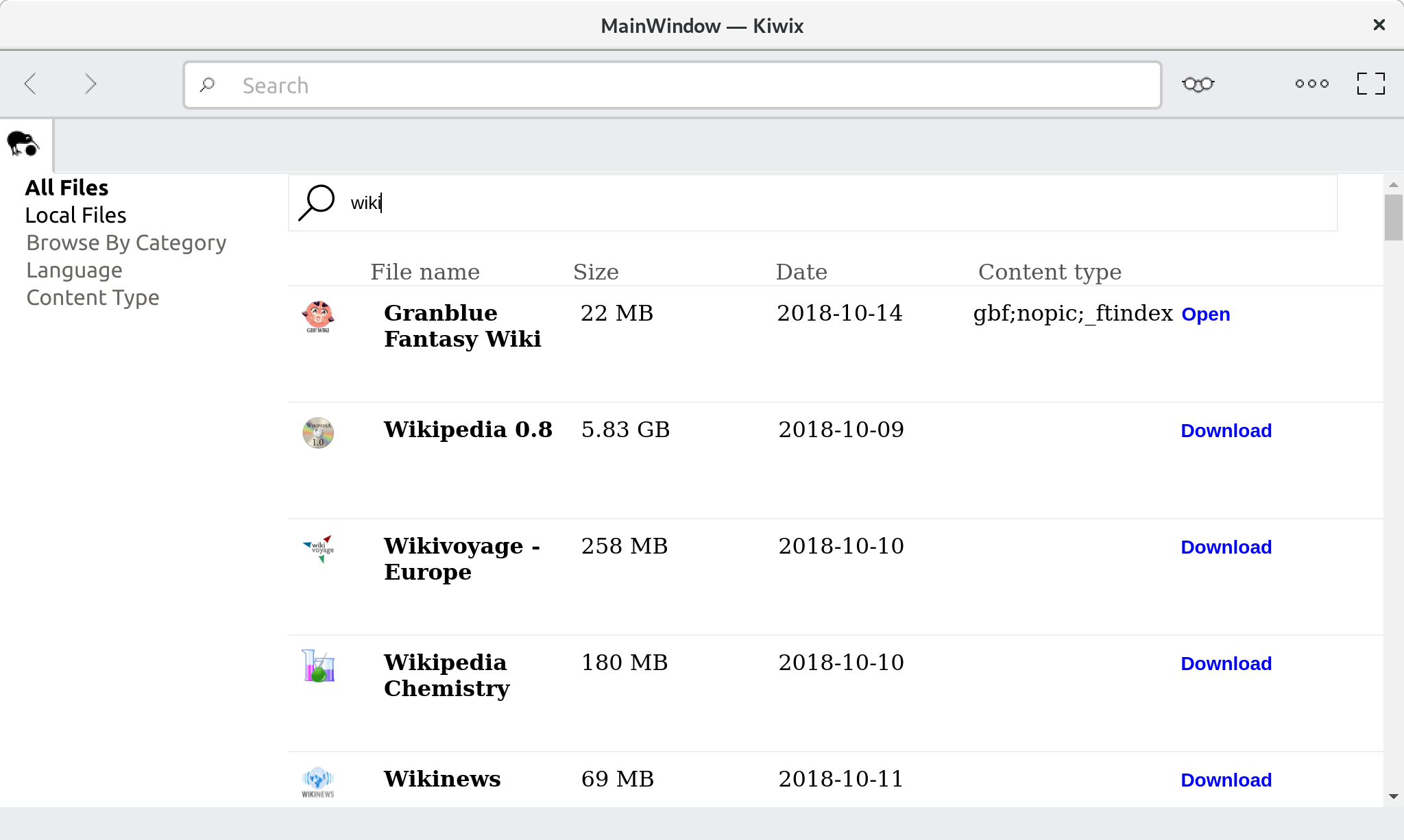
- Fast Search Capabilities: A built-in search engine allows you to find articles and resources instantly within your downloaded archives.
- Resource-Efficient Performance: Designed to run smoothly on Linux desktops, ensuring minimal system resource usage.
Who Is This Offline Reader For?
This software is incredibly valuable for educators, students, and researchers working in environments with limited or expensive internet connectivity. It also serves as an excellent digital archive for archival enthusiasts who want to keep a local copy of human knowledge. Whether you are prepping for a trip off the grid or setting up an offline classroom, this tool ensures that learning never has to stop.
How to Get Started
To start building your personal offline library, head over to the official Flathub store page to download the application for your Linux system. From there, you can browse and download the specific ZIM archives that match your educational needs.
Rate the App
User Reviews














Popular Apps










Editor's Choice